

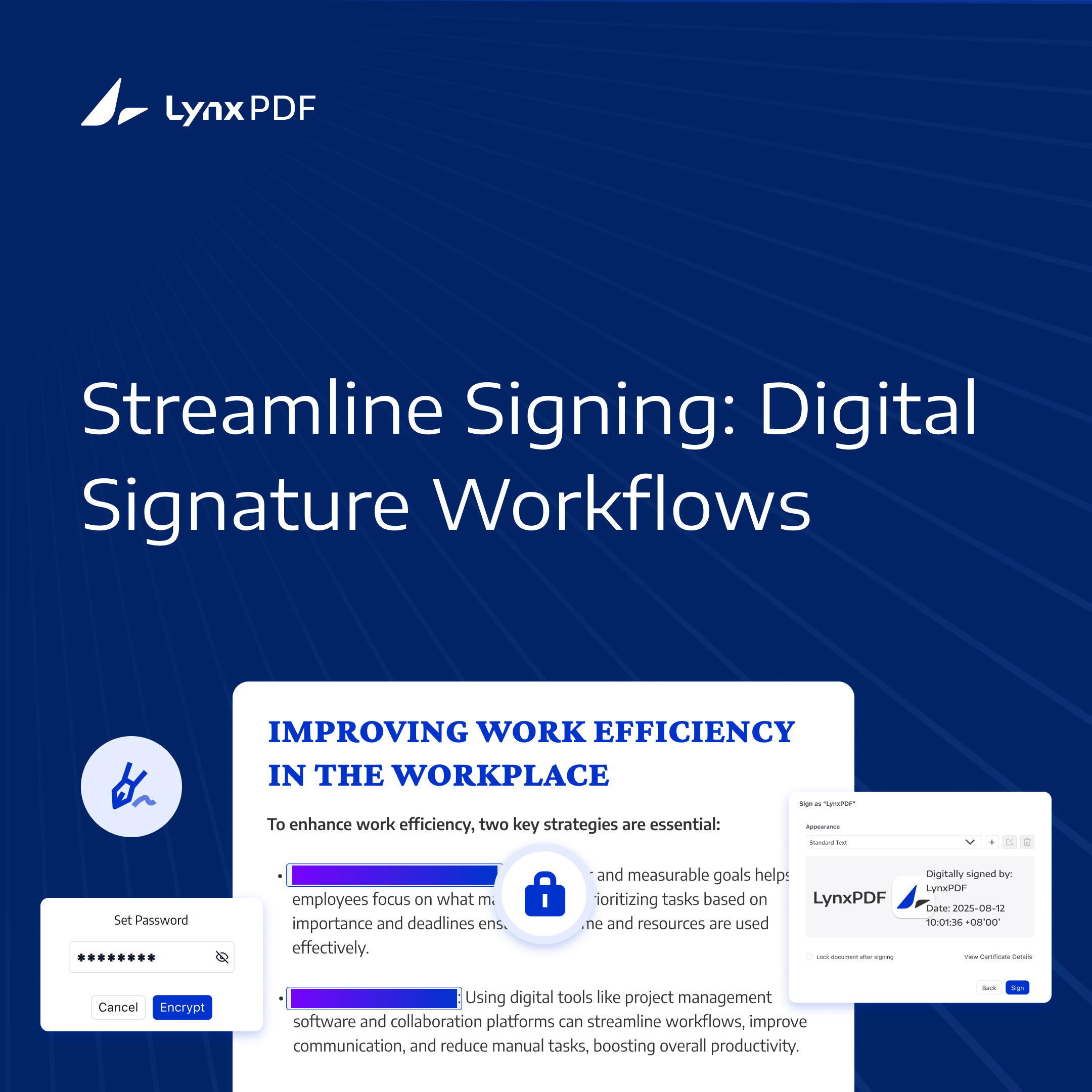
Digital signatures are crucial in today’s business world, offering a secure and legally recognized way to authenticate electronic documents. They reduce the need for physical paperwork and streamline document processes.


LynxPDF provides an efficient, user-friendly platform for managing digital signatures in PDFs. With advanced security features and seamless workflows, it’s the ideal solution for enterprises seeking reliable document authentication.
What Are Digital Signatures?
Digital signatures are a secure method for verifying the authenticity of electronic documents. Unlike simple electronic signatures, digital signatures use cryptographic methods and digital certificates to verify signer information and detect changes to signed content.
A signed PDF includes information used to verify the certificate and the signed content. This technology is vital for industries like healthcare, legal, and finance, where compliance with strict regulatory standards is essential.
Digital signatures bring modern efficiency to document workflows, replacing outdated methods with streamlined, secure, and eco-friendly solutions. Here’s how digital signatures outperform traditional methods in key areas:
| Feature | Digital Signatures | Traditional Methods |
| Security | Certificate-based signature verification and detection of changes to signed content | Low, prone to forgery and unauthorized access |
| Efficiency | Instant signing and sharing | Time-consuming manual workflows |
| Cost Savings | Eliminates printing, paper, and courier expenses | High costs for materials and logistics |
| Compliance | Supports GDPR and HIPAA compliance workflows. | Challenging to track and enforce |
| Eco-Friendliness | 100% paperless, environmentally sustainable | High paper waste, environmentally harmful |
Digital signatures revolutionize how businesses handle documents, offering unmatched security, efficiency, and sustainability. By adopting tools like LynxPDF, organizations can streamline their workflows and meet the demands of modern compliance and productivity standards.
Benefits of Digital Signatures with LynxPDF
Digital signatures are transforming how businesses manage documents, offering a secure and streamlined alternative to outdated manual processes. LynxPDF enhances these benefits with advanced tools tailored for efficiency, compliance, and ease of use.
Enhanced Security
LynxPDF supports certificate-based digital signatures and signature verification to help users check signer information and detect changes to signed content.

Compliance Support and eSign Audit Reports
LynxPDF’s PDF protection tools support GDPR and HIPAA-related document workflows. Its eSign workflow provides an audit report for signing tasks, helping teams review the signing process.
Faster Workflows
Instantly sign and share documents, eliminating delays caused by printing, scanning, or couriering. LynxPDF accelerates approval processes, helping businesses meet tight deadlines with ease.
User-Friendly Interface
From creating signatures to applying them across documents, LynxPDF simplifies the process for users at all levels. Its intuitive design ensures quick adoption and seamless integration into existing workflows.
Cost Savings
Reduce paper, printing, and mailing expenses by going fully digital with LynxPDF. The platform offers significant cost efficiency, helping businesses allocate resources more effectively.
Eco-Friendly Solution
Minimize paper waste and reduce your environmental impact. By adopting LynxPDF, businesses contribute to sustainability while improving operational efficiency.
LynxPDF combines robust security, compliance, and ease of use, making it the perfect solution for modern businesses looking to simplify and secure their document workflows.
Why LynxPDF is the Ideal Choice
LynxPDF combines document security with user-friendly functionality. Its Admin Console management service can be deployed on premises for centralized team and license administration. PDF passwords, permissions, and certificate-based digital signatures help teams protect their documents.

 Admin Console
 Custom Business Stamps
 System Integration
 Digital Signatures
LynxPDF combines robust security with user-friendly functionality, offering a reliable solution for enterprises looking to enhance their document workflows. Whether you’re signing contracts, processing legal documents, or ensuring compliance, LynxPDF delivers unmatched efficiency and peace of mind.
Learn how to create and apply digital signatures in our comprehensive guide how to create a digital signature.
Best Practices for Digital Signatures
To make the most of digital signatures and ensure secure and efficient workflows, it’s essential to follow these best practices. By adopting these strategies, businesses can enhance security, maintain compliance, and streamline document management.
- Regularly Update Digital Certificates: Keep your digital certificates current to avoid disruptions and ensure compliance with industry standards. Expired certificates can compromise the validity of your signatures.
- Retain eSign Audit Reports: Keep the eSign audit report with the signed document to review the signing process and support GDPR and HIPAA compliance reviews.
- Educate Your Team: Provide training for employees to ensure they understand secure signing practices and can confidently use tools like LynxPDF. A well-trained team reduces the risk of errors and enhances productivity.
- Verify Signatures Regularly: Before sharing documents externally, verify the integrity of digital signatures to ensure no tampering has occurred. Use LynxPDF’s built-in verification tools for this purpose.
- Prepare Templates for Recurring Documents: Simplify workflows by preparing your own PDF templates for frequently signed documents and editing a copy in LynxPDF. This reduces repetitive tasks and ensures consistency across agreements or contracts.
Digital signatures are transforming document workflows, making them faster, safer, and more eco-friendly. With LynxPDF, enterprises can sign documents, verify digital signatures, and retain eSign signing records.


